Can’t make it this year?
Transfer Registration
Pass your spot to another rider through BikeReg in a few quick steps.
Step by step
How to Transfer on BikeReg
-
Login to your BikeReg account here.
-
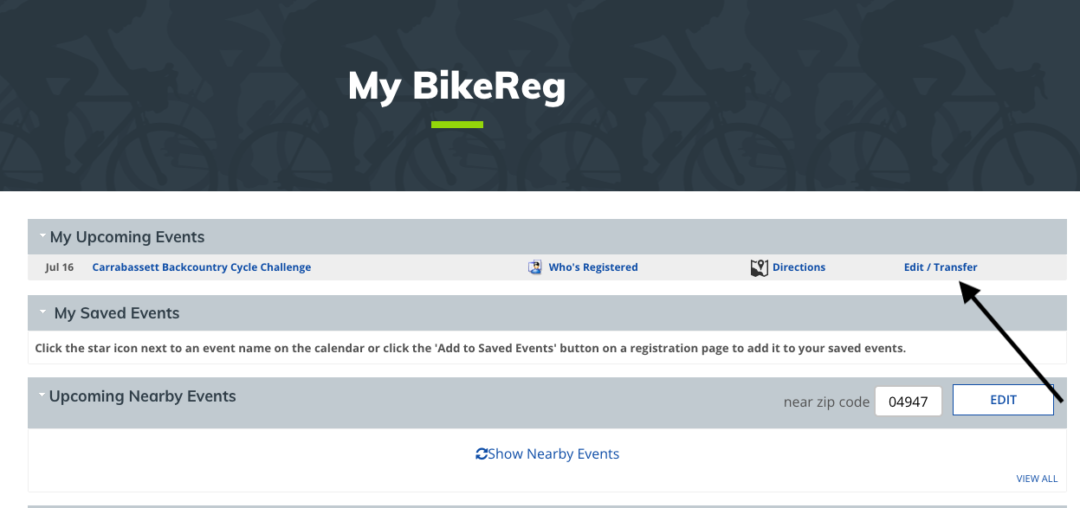
On the main page, you should see the Carrabassett Backcountry Cycle Challenge listed as one of your registered events.
-
It should look like the image below. Click on “Edit/Transfer”.
-
You will be presented with the following page:
-
Click on “Transfer Registration”.

-
You will see the following page. Enter the email address of the person you would like to transfer the registration to.
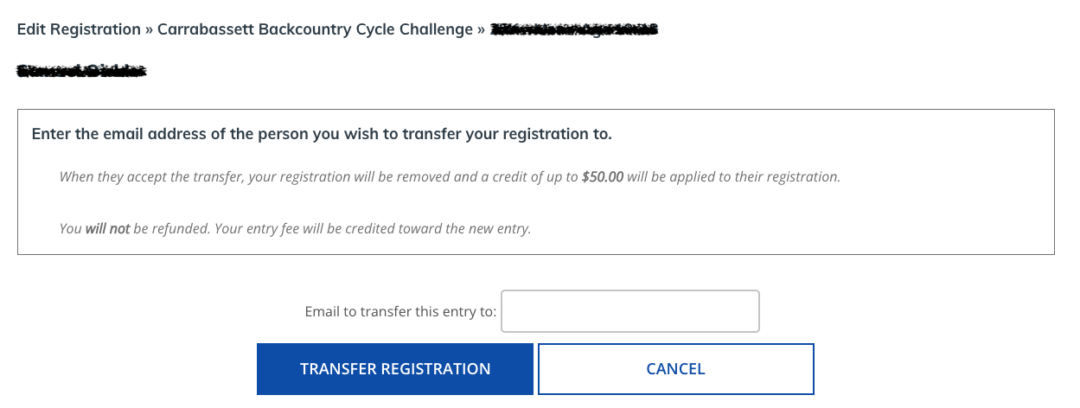
-
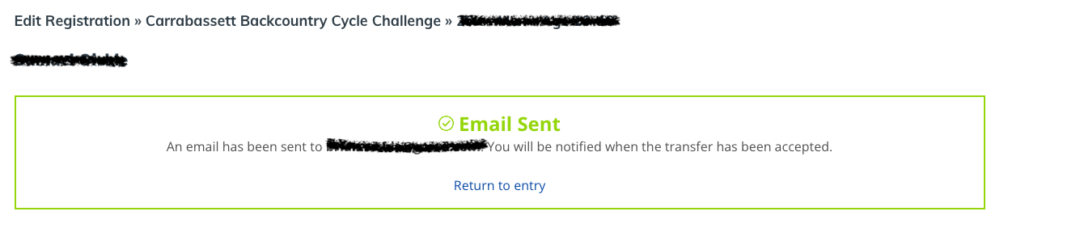
You will see the following page, and once the transfer has been accepted by the other person, the transaction should be complete.